Keep your evidence together.
Collect the experience and supporting material behind your work. Build a library you can return to when the next opportunity appears.
A résumé should start with what you’ve actually done. River brings your evidence, job targets, and drafts into one workspace—so every application has a stronger foundation.
A personal résumé workspace. Access may require an invitation.
Built a scheduling tool for a student organization.
Your original experienceBuilt a scheduling tool that helped a student organization coordinate its events.
Application development · Scheduling workflows
Illustrative résumé excerptGood tailoring starts with real evidence.
Keep the substance. Make the connection clear.Give your next résumé a repeatable process.
Collect the experience and supporting material behind your work. Build a library you can return to when the next opportunity appears.
Add a job description and review its requirements. Connect the role to relevant experience before you start rewriting.
Use AI assistance to develop your draft, review the language, and inspect the PDF before exporting your résumé.
Job targets, an evidence bank, reusable content, and résumé templates live together. Spend less effort moving between scattered documents.
You decide what belongs in the final draft. AI suggestions are a starting point for your review.
Visit the River workspace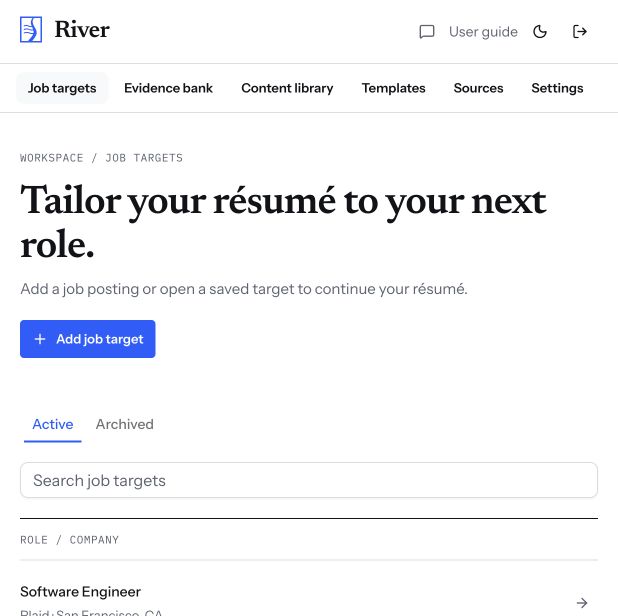
River helps organize your evidence and tailor drafts with AI assistance. You review the suggestions and decide what to include. Check every claim against your own experience before using it.
River supports personal AI provider connections. You configure your own connection in the workspace; provider access and usage charges are separate.
Yes. River supports résumé templates, PDF review, and export. Review the final document before sending it with an application.
Open River to see the current sign-in and access options. It is a personal project with controlled access, rather than an unrestricted public signup.